Cline mobile: how to vibe code from your phone
An engineer at Cline told me he was vibe coding on a road trip from his phone. His Mac was at home running Cline agents; he was checking on them from the passenger seat. Here's the setup.
What you need
Your phone and your Mac both need Tailscale installed and signed in to the same tailnet. Tailscale is a free mesh VPN; once both devices are on it, your phone can reach your Mac's local services from anywhere.
Step 1: Start Kanban on your Mac
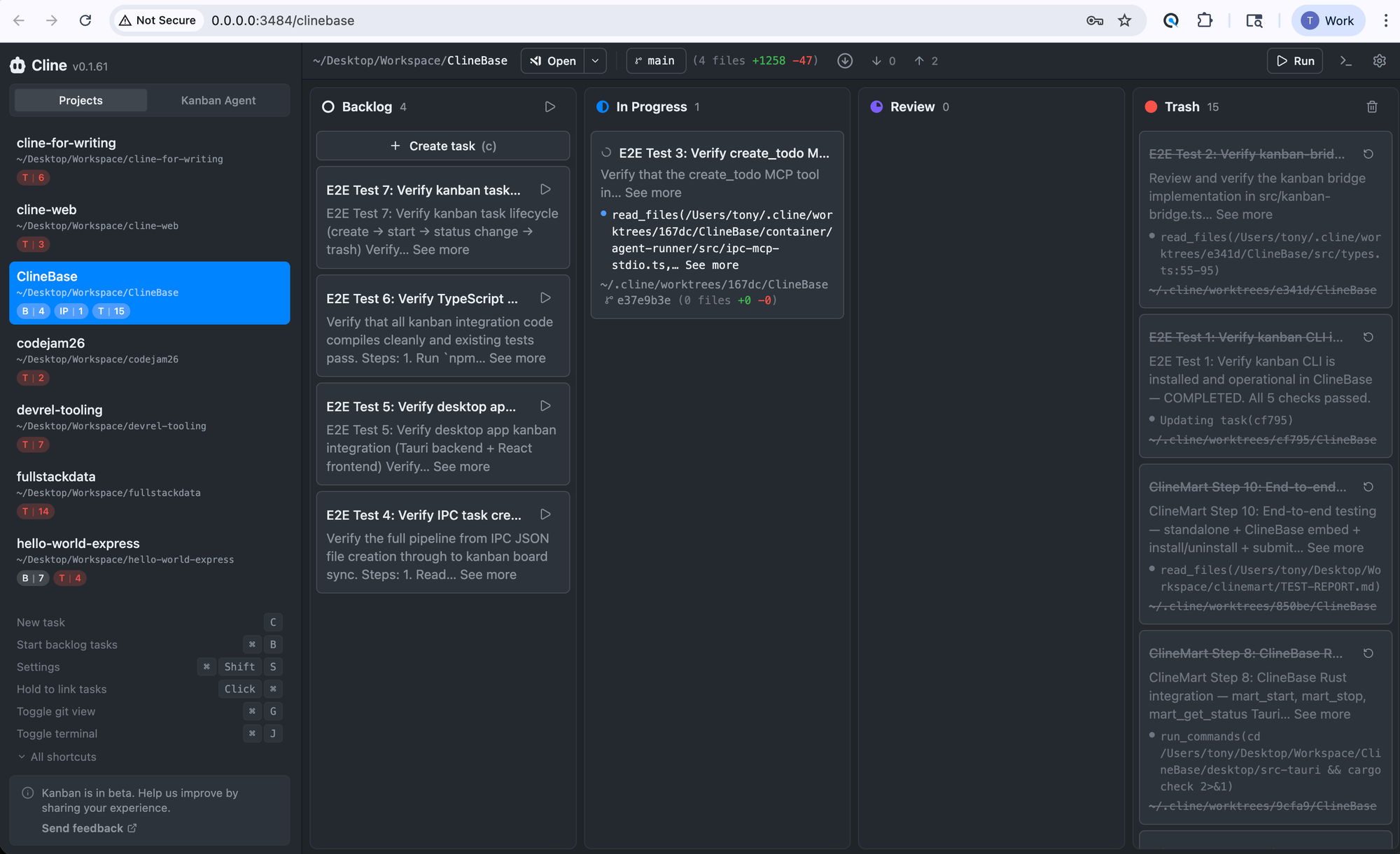
By default, Cline's Kanban board binds to 127.0.0.1, which only accepts connections from your Mac itself. To make it reachable over Tailscale, set the host to 0.0.0.0 when you launch:
KANBAN_RUNTIME_HOST=0.0.0.0 clineYou should see it running at http://0.0.0.0:3484/kanban.
Step 2: Open it from your phone
In your phone's browser, go to your Mac's Tailscale address on port 3484. The full address reads as follows:
http://your-machine-name.tail1234.ts.net:3484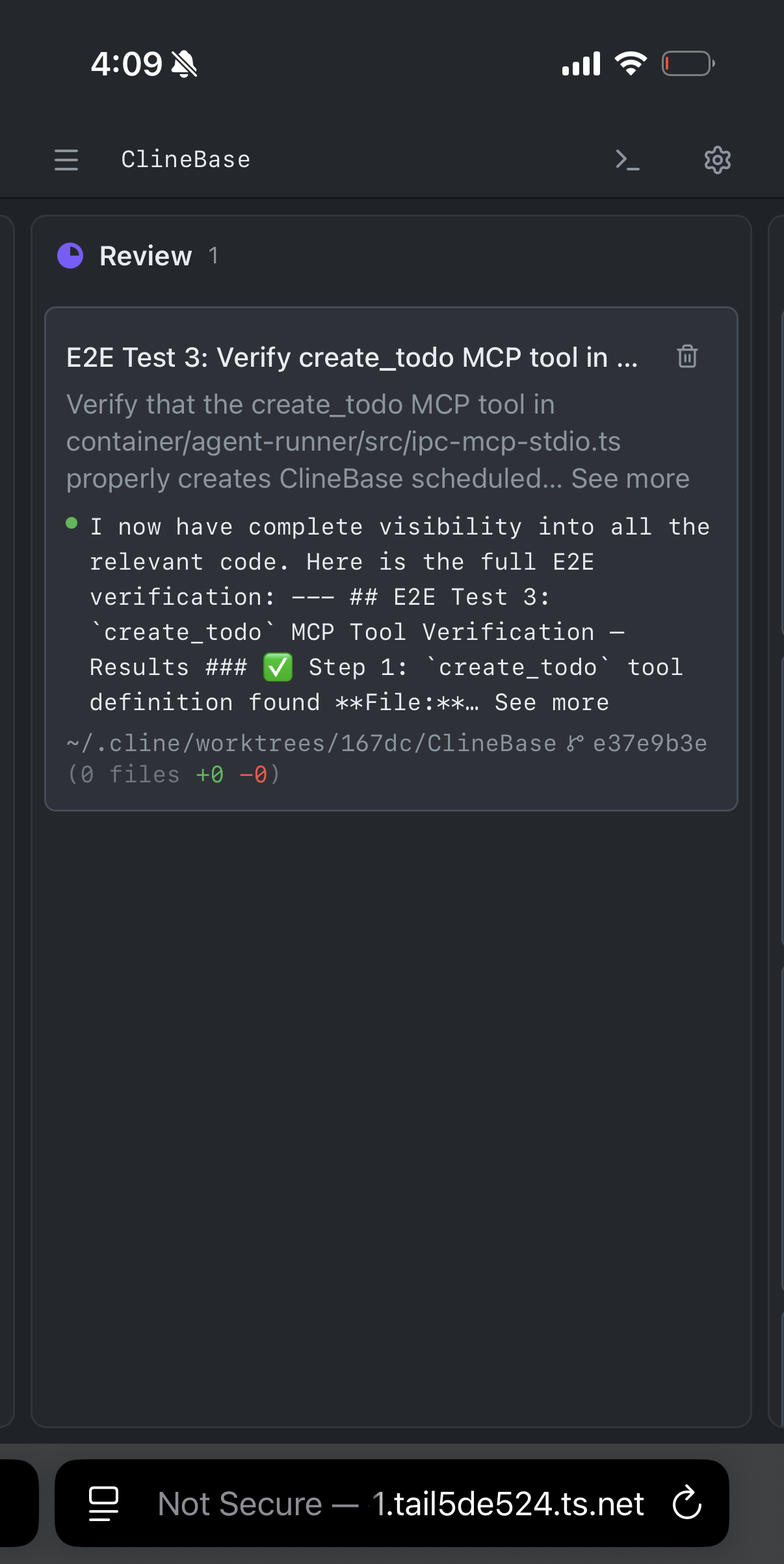
Your address will be different; check Tailscale for your Mac's hostname.
Step 3: That's it
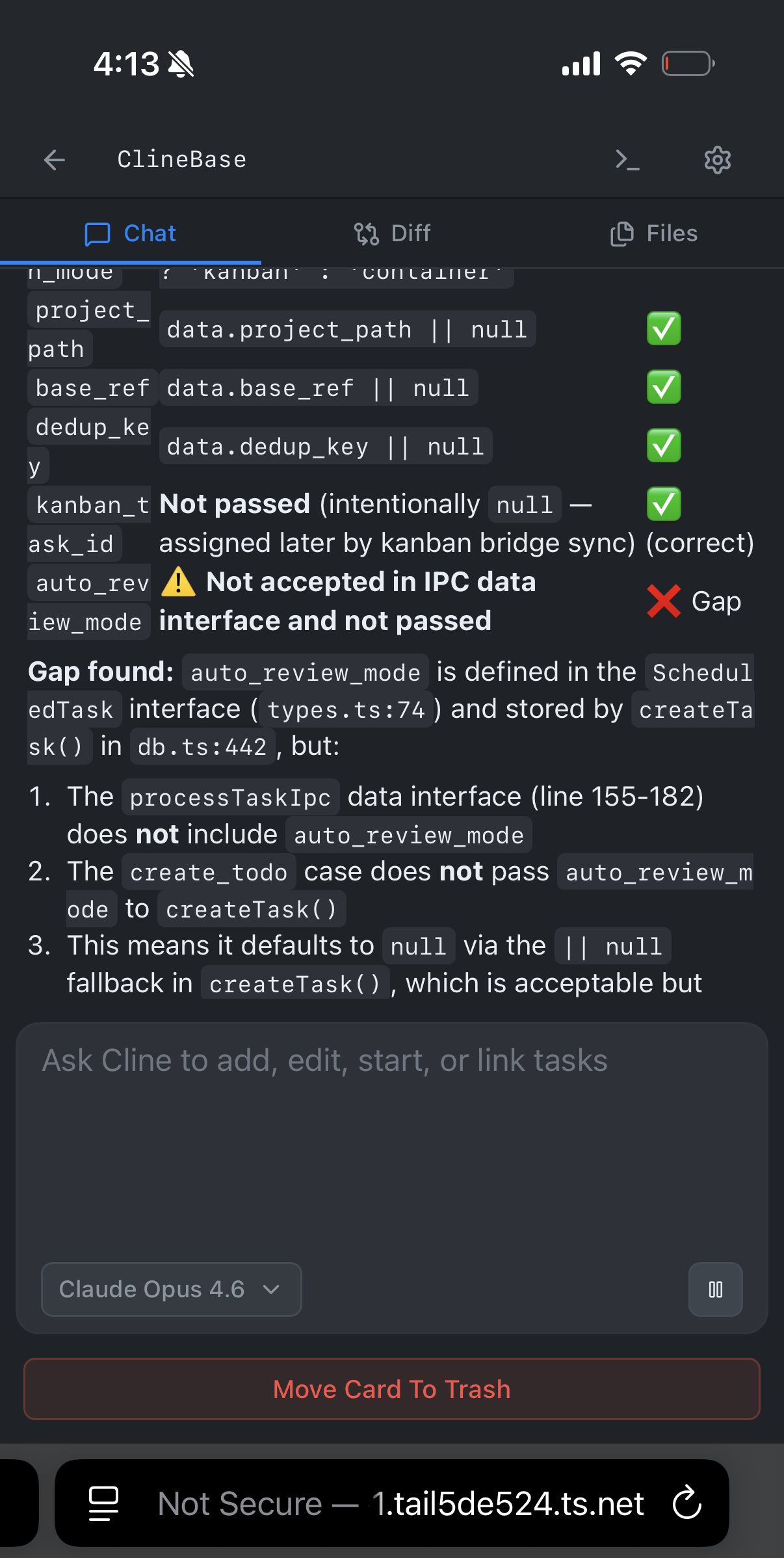
You're managing Cline agents from your phone. Check task progress, see what's running, kick off new work.
What you can do from your phone
The Kanban board is the same interface you'd see on your Mac. You can review what each Cline agent is working on, check diffs, approve file changes, and start new tasks. It's a full control panel for your coding agents, just in a smaller viewport.
This works on anything with a browser: iPhone, Android, iPad, homemade cyberdeck, etc. As long as the device has Tailscale and is on your tailnet, you're good.
No extra config beyond Tailscale. Just the app and a browser. For more ways to access Kanban remotely, check out the remote access docs.
Download Cline, set up Tailscale, and try it yourself. If you get a good mobile setup going, share it on Discord or Reddit.